

Getting Started
This page walks through how to install the different Airwallex Payment Apps on your Shopify Store. This will allow you to start accepting the preferred payment methods of your shoppers to maximise your conversion.
Getting started
- For existing Airwallex customers: Submit your KYB (Know Your Business) information to Airwallex using Airwallex → Payments, and apply for the payment methods you'd like to enable.
- If you are not an existing Airwallex customer: Please sign up for an account on Airwallex .
- Select the Airwallex Shopify apps you need. You can install one or more apps depending on the payment methods you want to offer. Read the app overview below for a summary of our applications.
- Connect your Account: Follow the prompts in the selected app to connect your Airwallex account.
Troubleshooting
If you can't find the account you want to connect, check our FAQ on account connection requirements .
Recommendation: We recommend that you install all available apps to offer your shoppers the best experience:
- Card Payments App: For an embedded card payment experience without redirect.
- Online Payments App: For 80+ Local Payment Methods via redirect.
- Additional Payments App: For multiple Local Payment Methods natively at the Shopify checkout (no redirect).
- Dedicated Apps: For one-click checkout with Klarna, Afterpay, iDeal, and Wero.
- Sales Order App: To sync order data for tracking and regulatory compliance.
To try out the Airwallex payment experience for yourself, you can check out our very own Store .
Apps Overview
Payment Apps
| App | Key Features | Checkout Experience |
|---|---|---|
| Airwallex Card Payments App | Accept credit/debit cards directly on your store. Supports Apple Pay & Google Pay (Express Checkout). | Embedded (No redirect) |
| Airwallex Online Payments App | Accept cards + 160+ Local Payment Methods (LPMs) like Alipay, WeChat Pay, etc. | Redirect (Redirects to Airwallex page) |
| Airwallex Additional Payments App | Offer multiple Local Payment Methods natively at the Shopify checkout. | Embedded (No redirect to Airwallex page) |
| Airwallex Klarna App | Dedicated app for Klarna payments globally. | Embedded (One-click) |
| Airwallex Afterpay App | Dedicated app for Afterpay payments. | Embedded (One-click) |
| Airwallex iDEAL App | Dedicated app for iDEAL payments. | Embedded (One-click) |
| Airwallex Wero App | Dedicated app for Wero payments in Europe. | Embedded (One-click) |
Operational Apps
| App | Functionality | Integration Type |
|---|---|---|
| Airwallex Sales Order App | Syncs Shopify order IDs and tracking info to Airwallex. | Backend Utility (Data Sync) |
| Airwallex Fraud Protection App | Helps improve success rates and reduce fraud. | Backend Utility (Risk Management) |
Centralized management via Connections
You can view and manage all your Shopify store connections directly from the Airwallex web app. Go to Settings > Connections > Shopify to:
- View all connected stores and installed apps.
- Connect new stores and discover available apps.
- Customize the Online Payments apps' redirect payment page theme with your store logo.
- Configure which payment methods appear at checkout for the Online Payments app.
For detailed instructions, see Manage Shopify connections.
Installation Guides
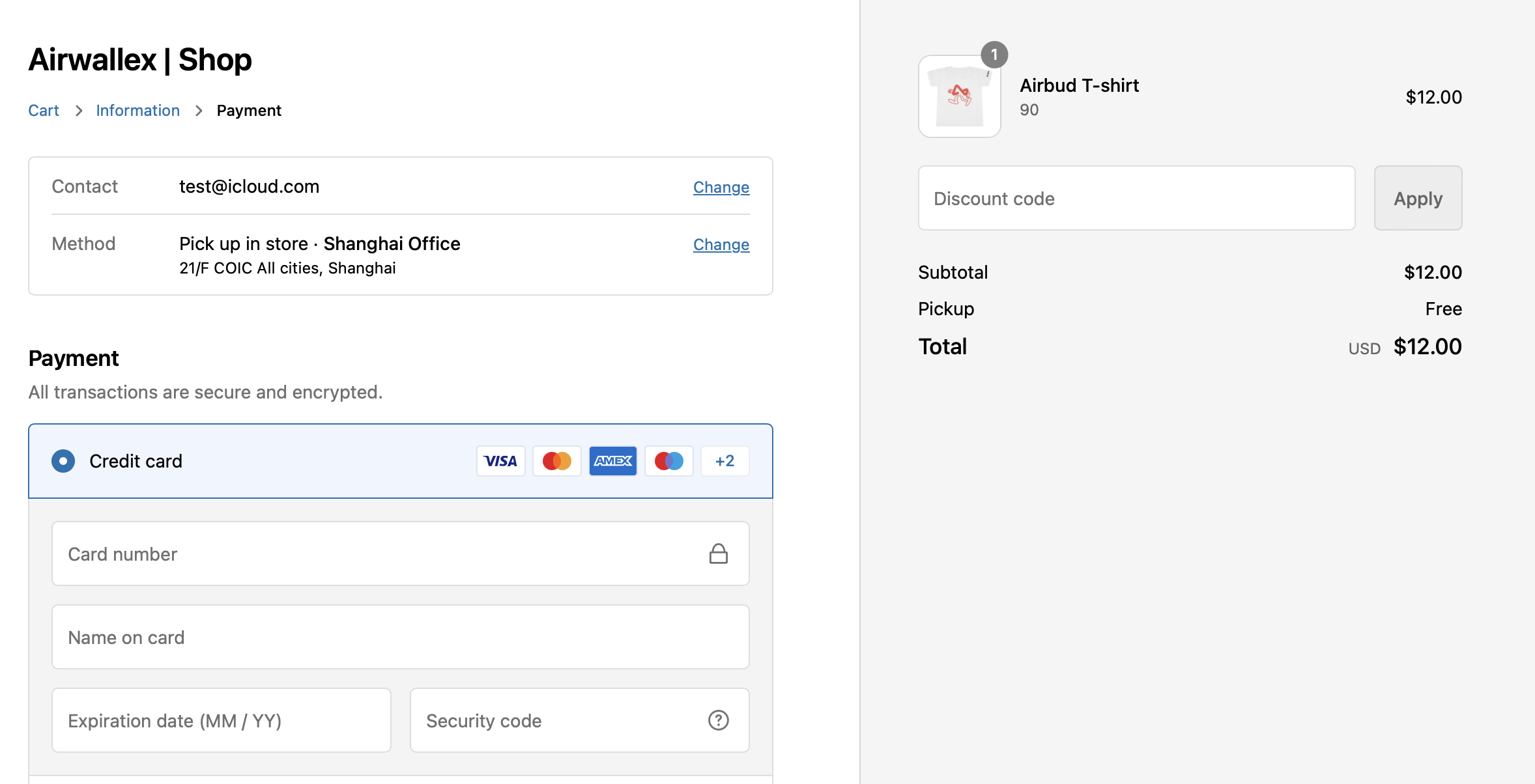
1. I want to offer Cards, Apple Pay, and Google Pay
Recommended App: Airwallex Card Payments App
This app provides a seamless embedded checkout experience. Shoppers stay on your site to pay with cards.
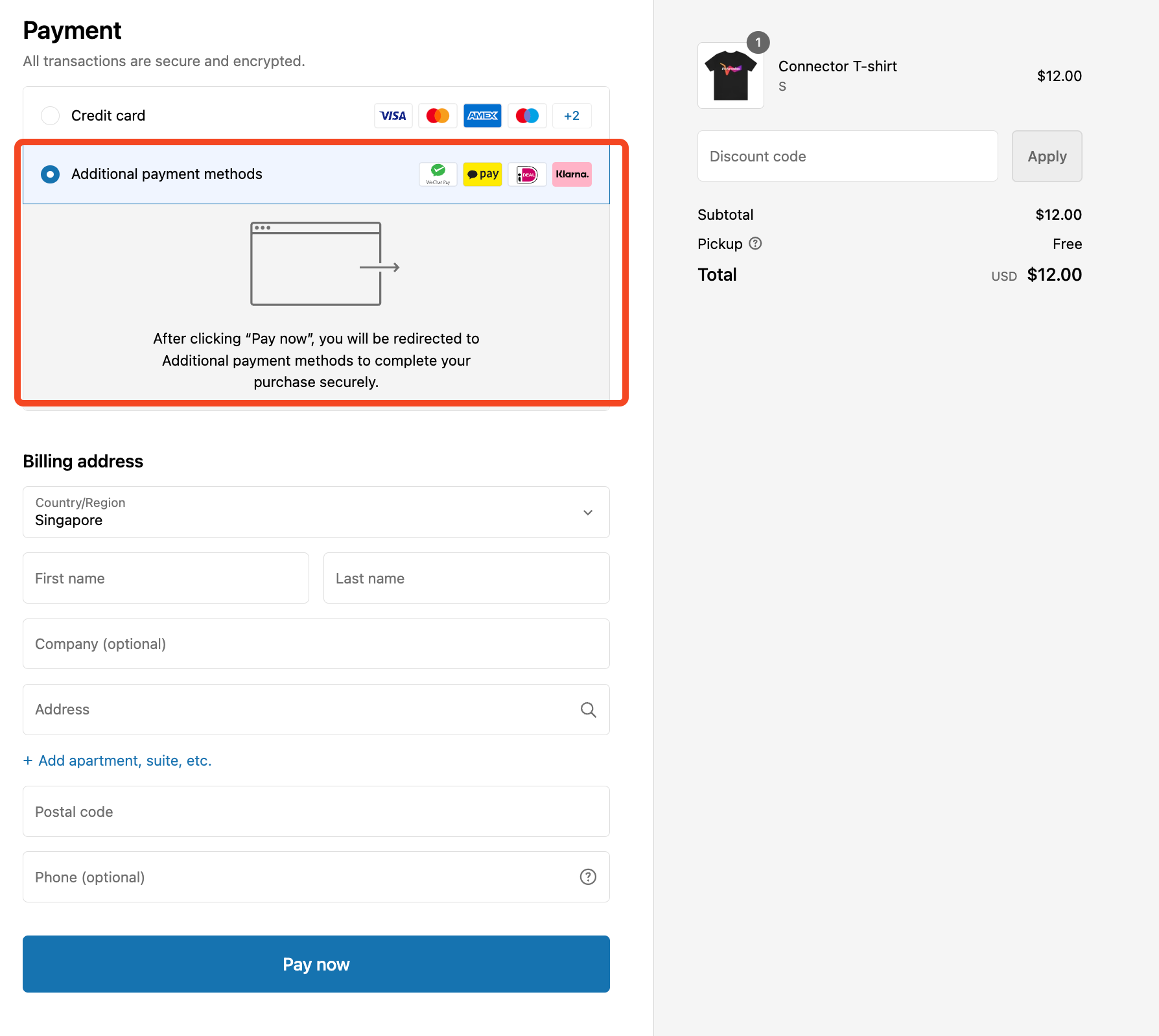
2. I want to offer Local Payment Methods (Alipay, WeChat, etc.)
Recommended App: Airwallex Online Payments App
This app is required for accepting over 160+ local payment methods. Shoppers are redirected to a secure Airwallex page to complete payment.
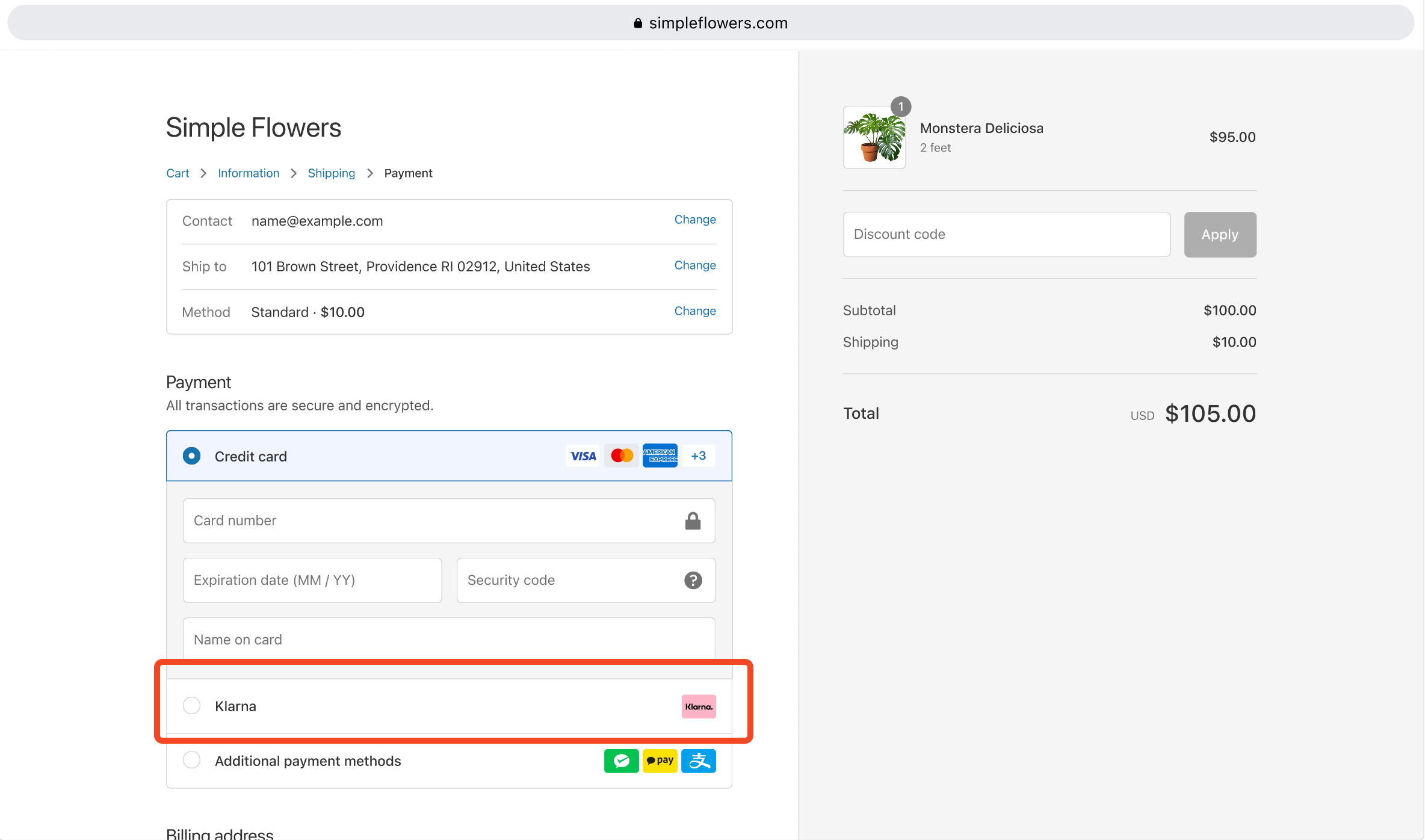
3. I want to offer Klarna, Afterpay, iDeal, or Wero
Recommended Apps:
Installing these dedicated apps allows these payment methods to appear as standalone payment options in your Shopify checkout for a faster user experience. This offers a distinct, one-click experience compared to the aggregated redirect flow in the Online Payments App.
4. I want to offer multiple Local Payment Methods natively at checkout
Recommended App: Airwallex Additional Payments App
This app surfaces all your enabled Local Payment Methods under a single Additional payment methods option in the Shopify checkout, without redirecting shoppers to an Airwallex-hosted page. Use this app when you want a faster, more streamlined checkout for multiple LPMs.
5. Fraud Protection (Optional but Recommended)
Recommended App: Airwallex Fraud Protection App
We recommend installing the Fraud Protection App alongside your payment apps to help improve transaction success rates and reduce fraud.
6. Order Data Synchronization (Optional but Recommended)
Recommended App: Airwallex Sales Order App
We recommend installing the Sales Order App to sync order IDs and tracking information from Shopify to Airwallex. This helps with regulatory compliance and allows for easier reconciliation.
Note on Refunds: Always process refunds directly in Shopify. If you encounter errors, please refer to our Refund Troubleshooting Guide .
Analytics Tip: To ensure accurate tracking in Google Analytics, you may need to exclude airwallex.com from your referral list. See our guide on Google Analytics tracking .