

Google Pay Express Checkout
With Google Pay, shoppers can check out faster because their payment details are securely stored in their digital wallet, removing the need for manual entry.
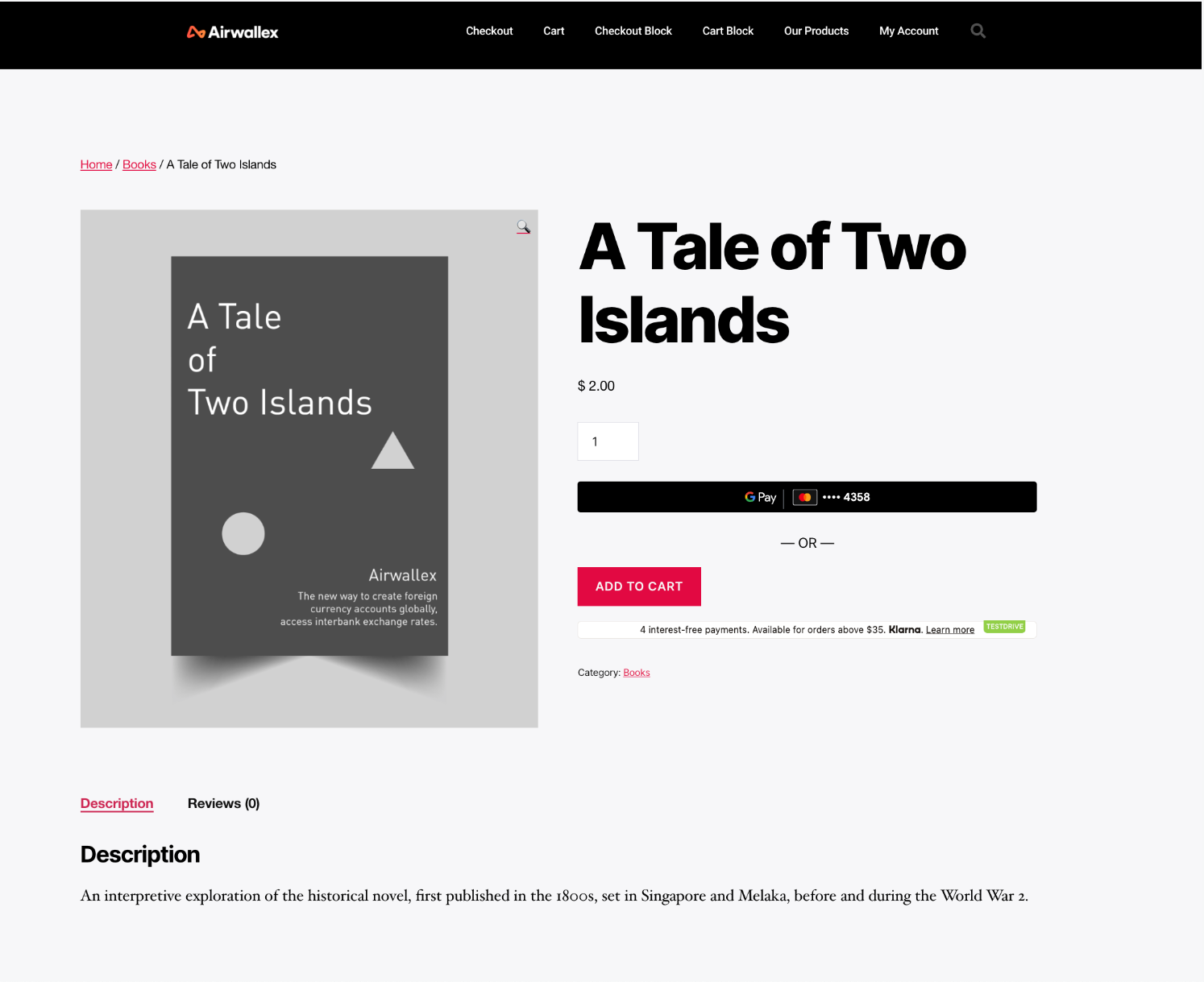
With Express Checkout, you can display the Google Pay button directly on the product page so shoppers can pay without going through the full checkout flow. This allows shoppers to skip steps such as adding items to cart, choosing a payment method, and then completing the transaction.
Before you begin
Before you implement the integration, consider the following:
-
Ensure that your merchant account is enabled for Google Pay and that you have added your domain details in the Airwallex web app under Payments > Settings. For more information, see Enable Google Pay.
-
Obtain your access tokenAPI by authenticating to Airwallex using your unique Client ID and API key. You will need the access token to make API calls.
How it works
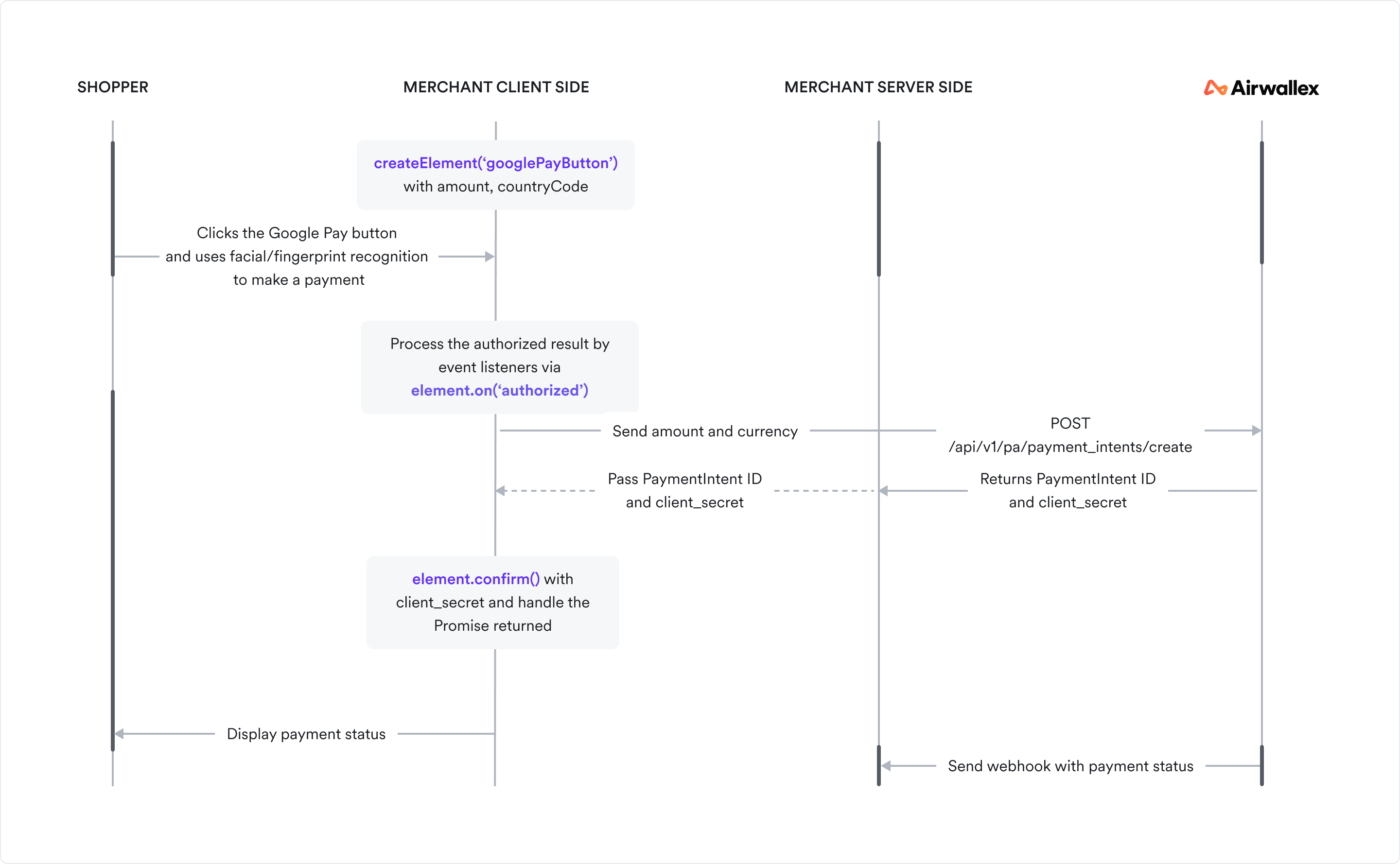
The diagram below shows the information flow in a Google Pay Express Checkout integration.
Integration steps
See the Google Pay Express Checkout integration guide for detailed steps.