

QR Code Element
QR Code Element has been deprecated in the latest @airwallex/components-sdk v1.14.2. Please migrate to the Drop-in Element to access this functionality.
The QR Code Element allows you to embed a QR code checkout option on your payment page. The Element contains a QR code that matches the specified PaymentIntent and a Refresh button to regenerate the QR code. The shopper can scan the QR code using their e-wallet app to make a payment. Examples of supported e-wallets include: WeChat Pay, Alipay, KakaoPay, etc.
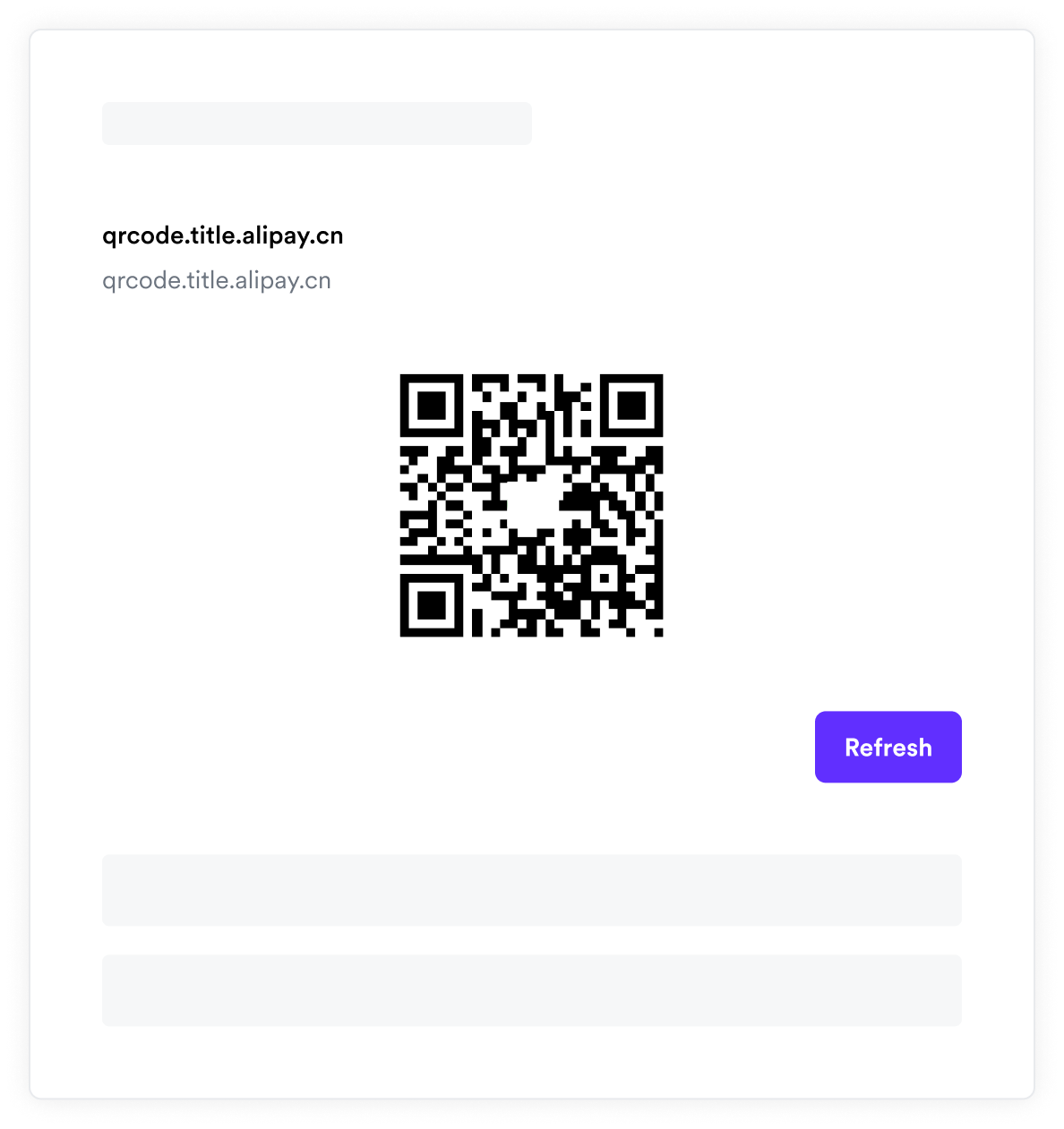
This page describes how to embed a QR Code Element on your payment page to accept payments.
Checkout flow
Choose a quickstart when the shopper pays in a single session on your site, or use registered user checkout to save payment details for future payments.
Development resources
-
airwallex-payment-elementsNPM package -
airwallex-payment-elementslibrary reference -
Sample SDKs in various frontend and backend languages
-
Test cards and codesandbox to test your integration